
WMS-20
Wireless BYOD Content Sharing System
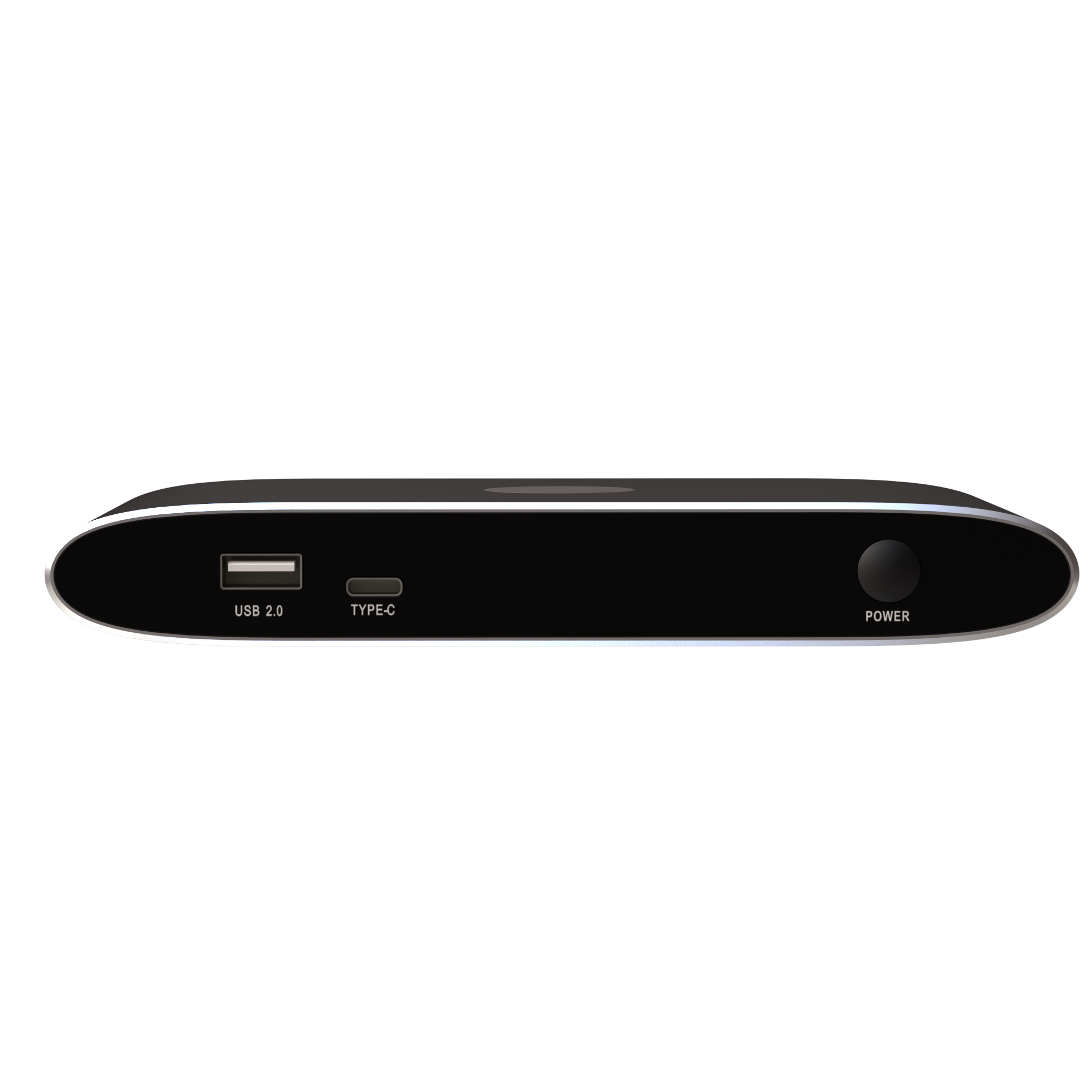
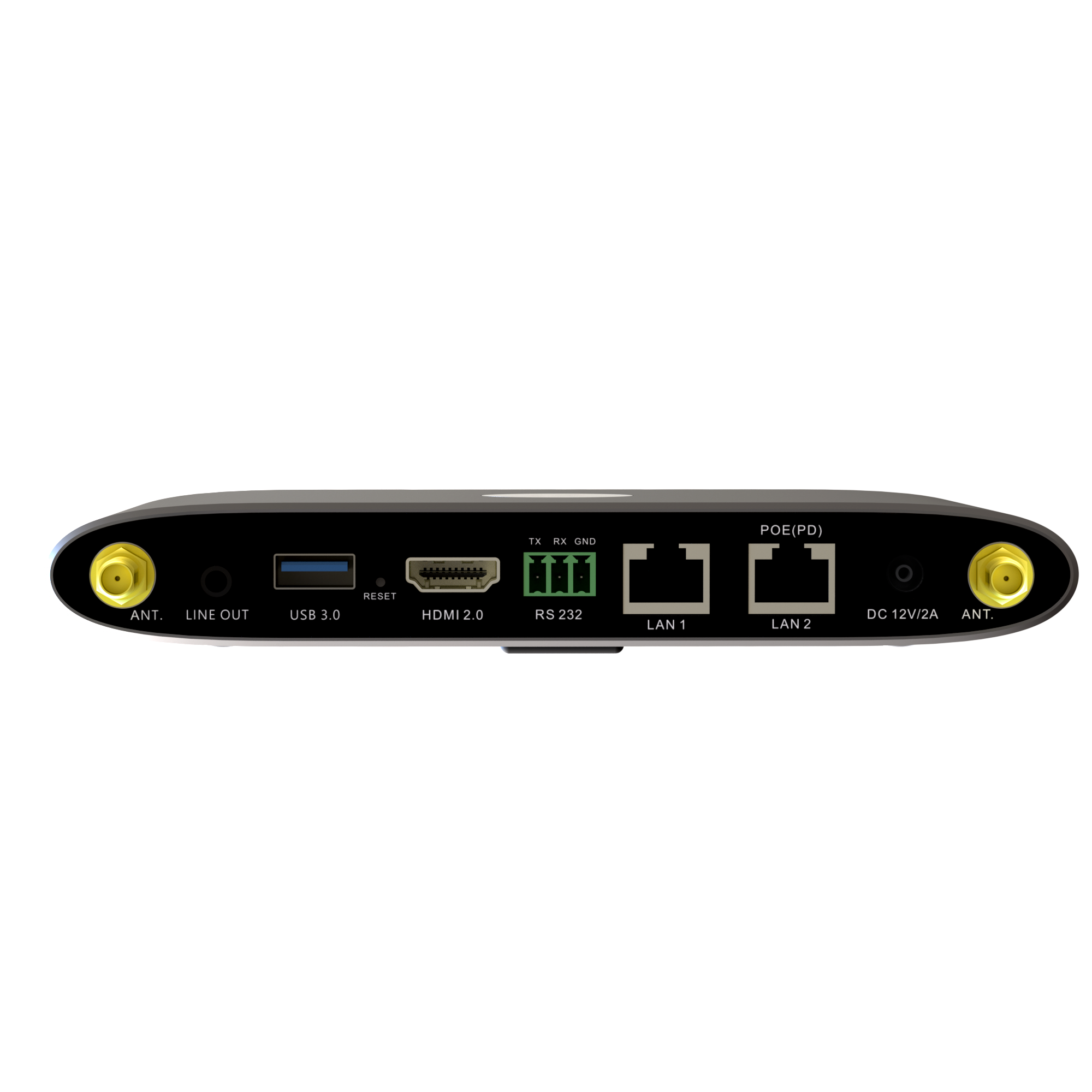
WMS-20 Wireless BYOD Content Sharing System
Cable-Free Wireless Presentation Solution for Modern Collaboration Spaces
The WMS-20 Wireless BYOD Content Sharing System is an advanced wireless presentation and collaboration solution designed to simplify content sharing in conference rooms, classrooms, and training environments. Built for modern workplaces, the WMS-20 eliminates cable clutter and enables users to share content instantly from their laptops, smartphones, and tablets using their own devices.
Designed to replace traditional Pro-AV switchers, the WMS-20 provides a cleaner installation, reduced infrastructure costs, and a more intuitive collaboration experience. Participants can walk into the room and start presenting wirelessly without searching for HDMI cables, adapters, or connectors.
Supporting native wireless protocols including AirPlay, Miracast, and Chromecast, the WMS-20 ensures seamless compatibility with Windows, macOS, iOS, and Android devices. For environments requiring even faster and more secure connectivity, the system also supports plug-and-play HDMI and USB Type-C wireless transmitters.
Enhanced Collaboration with Dual Screen Sharing
The WMS-20 supports two simultaneous presentations on a single display, allowing multiple participants to share ideas and compare content side by side. This feature makes brainstorming sessions, team discussions, and training programs more interactive and productive.
The system’s built-in moderation mode enables meeting hosts to preview shared content before displaying it on the main screen, providing greater control over presentations and improving meeting efficiency.
Key Benefits
- Pure wireless presentation experience with BYOD support
- Supports AirPlay, Miracast, and Chromecast
- Plug-and-play HDMI and USB Type-C wireless transmitters
- Wireless presentation from Windows, macOS, Android, and iOS devices
- Dual-screen presentation for collaborative meetings
- Wireless touchback on interactive displays
- Built-in whiteboard and annotation tools
- Moderation mode with content preview
- Enterprise-grade encryption and dual-network security
- Customizable home screen interface
- Centralized management platform
- PoE support for simplified installation
Downloads & Resources
Access datasheets, user manuals, firmware updates and installation resources for WU-10.
Connect with us
Fill out the form below and we will contact you as soon as possible!