
VM-10
USB and HDMI Source Switcher & Mixer
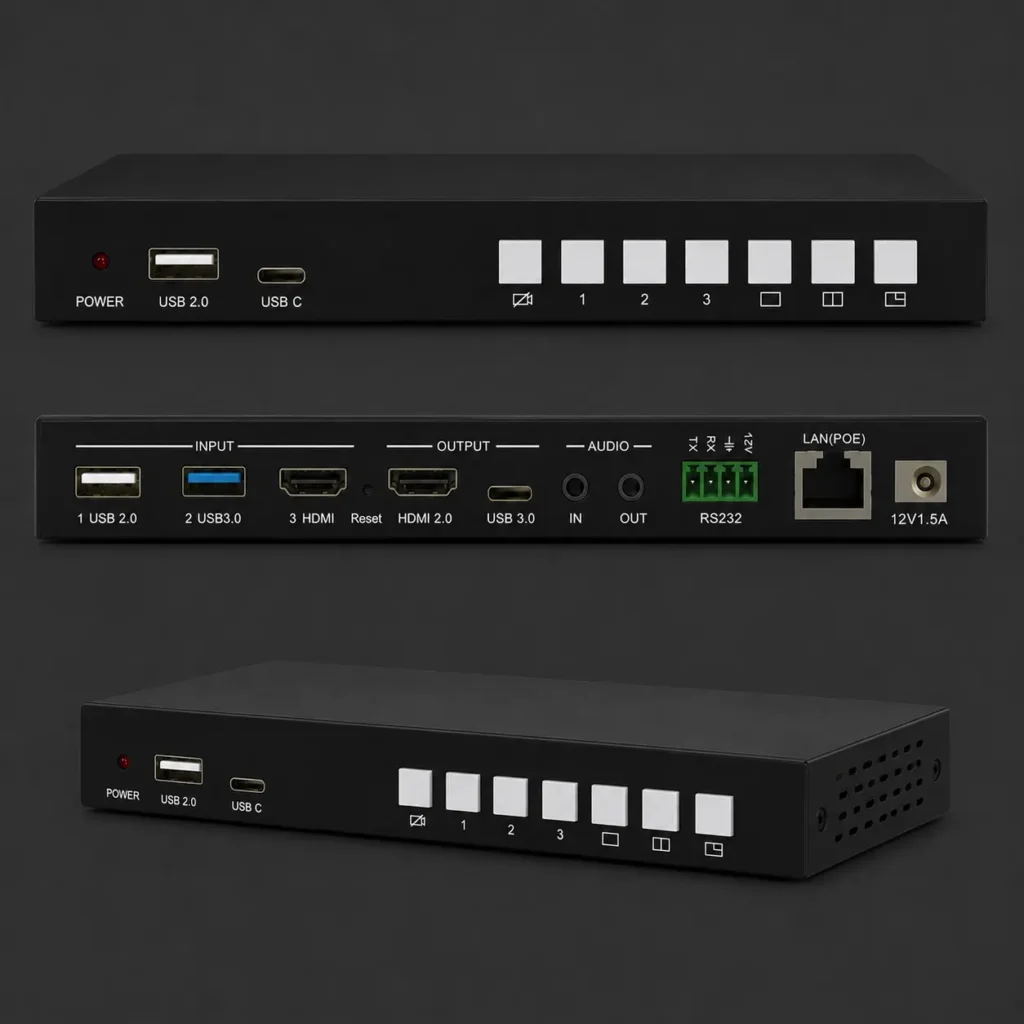
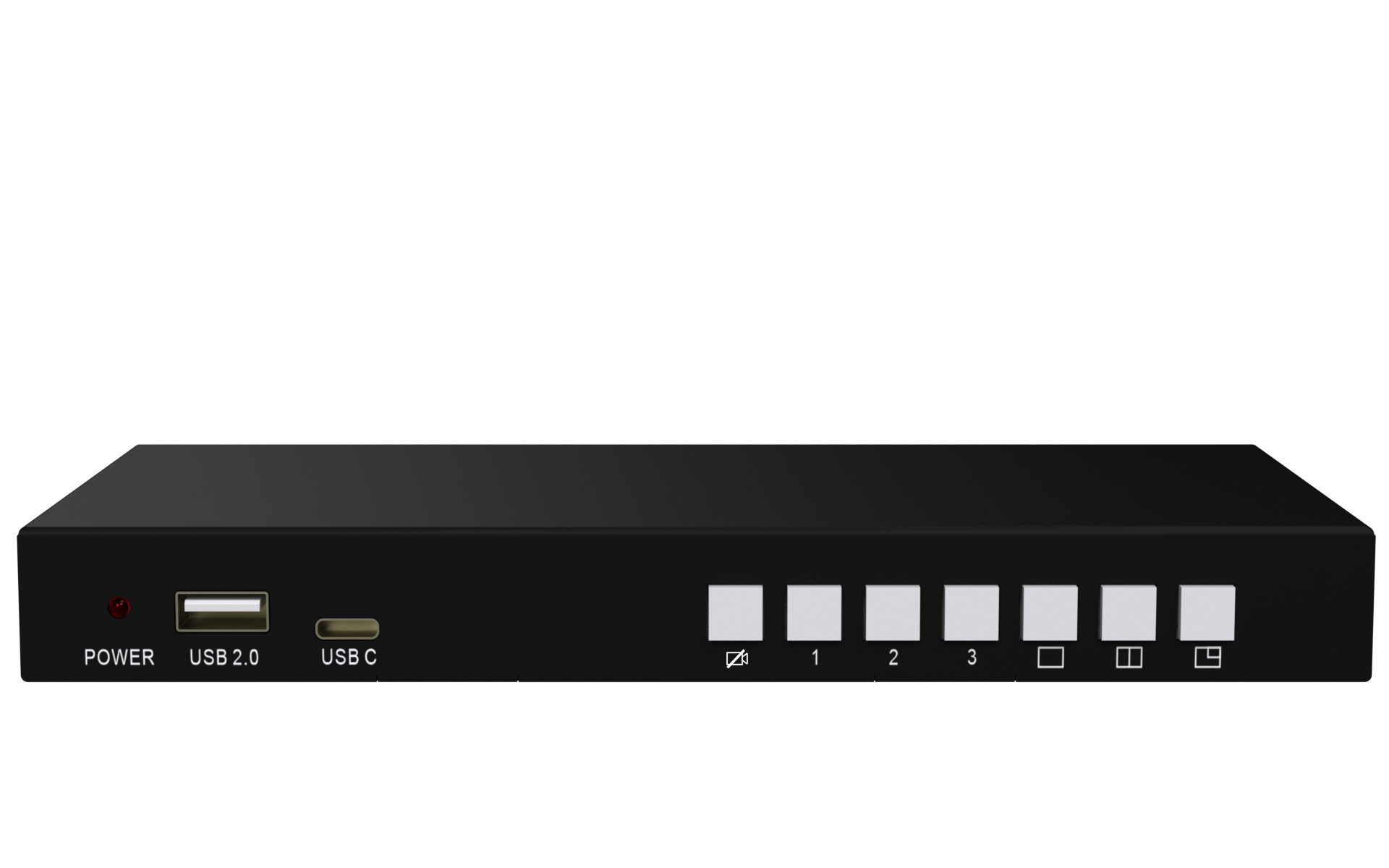
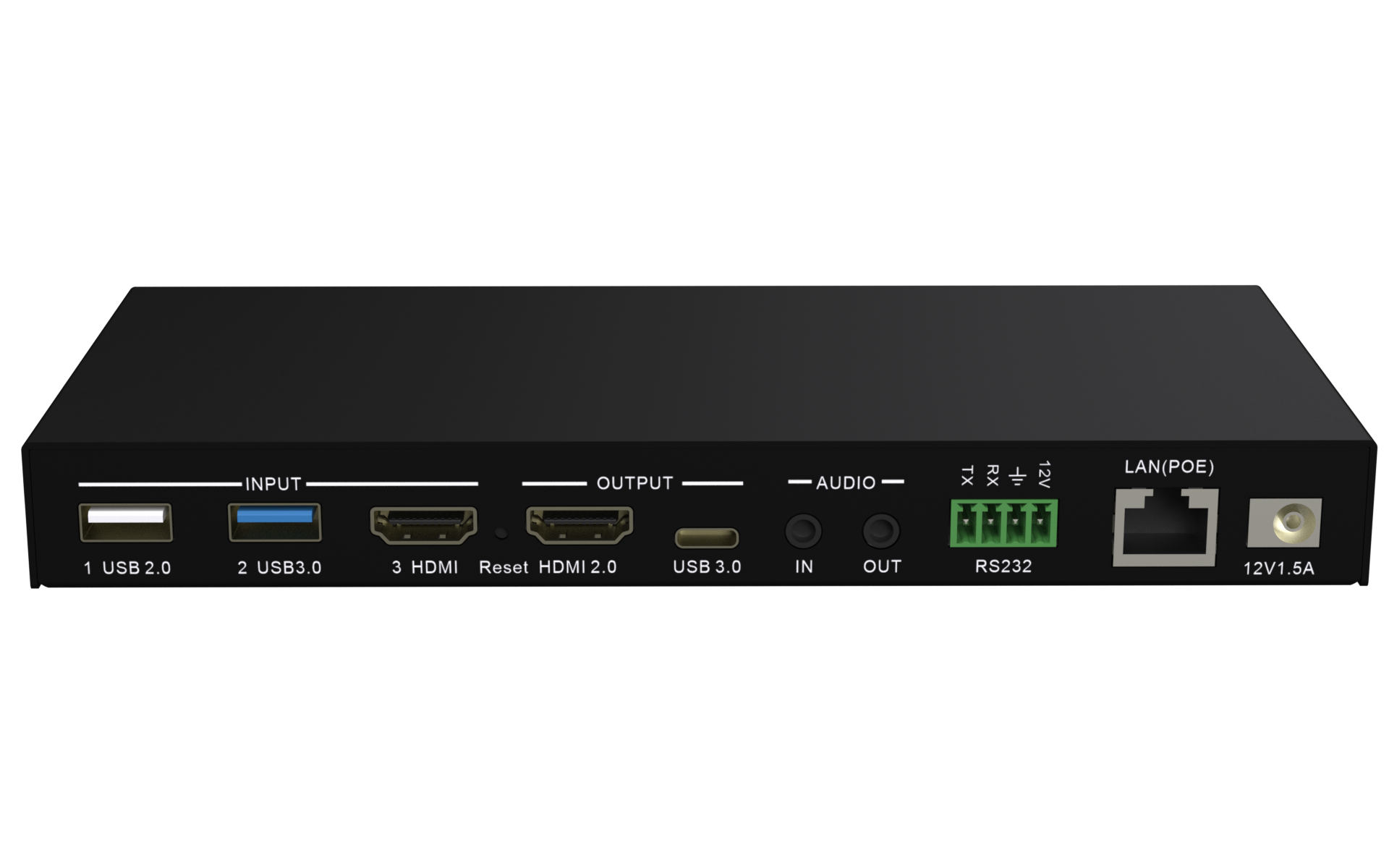
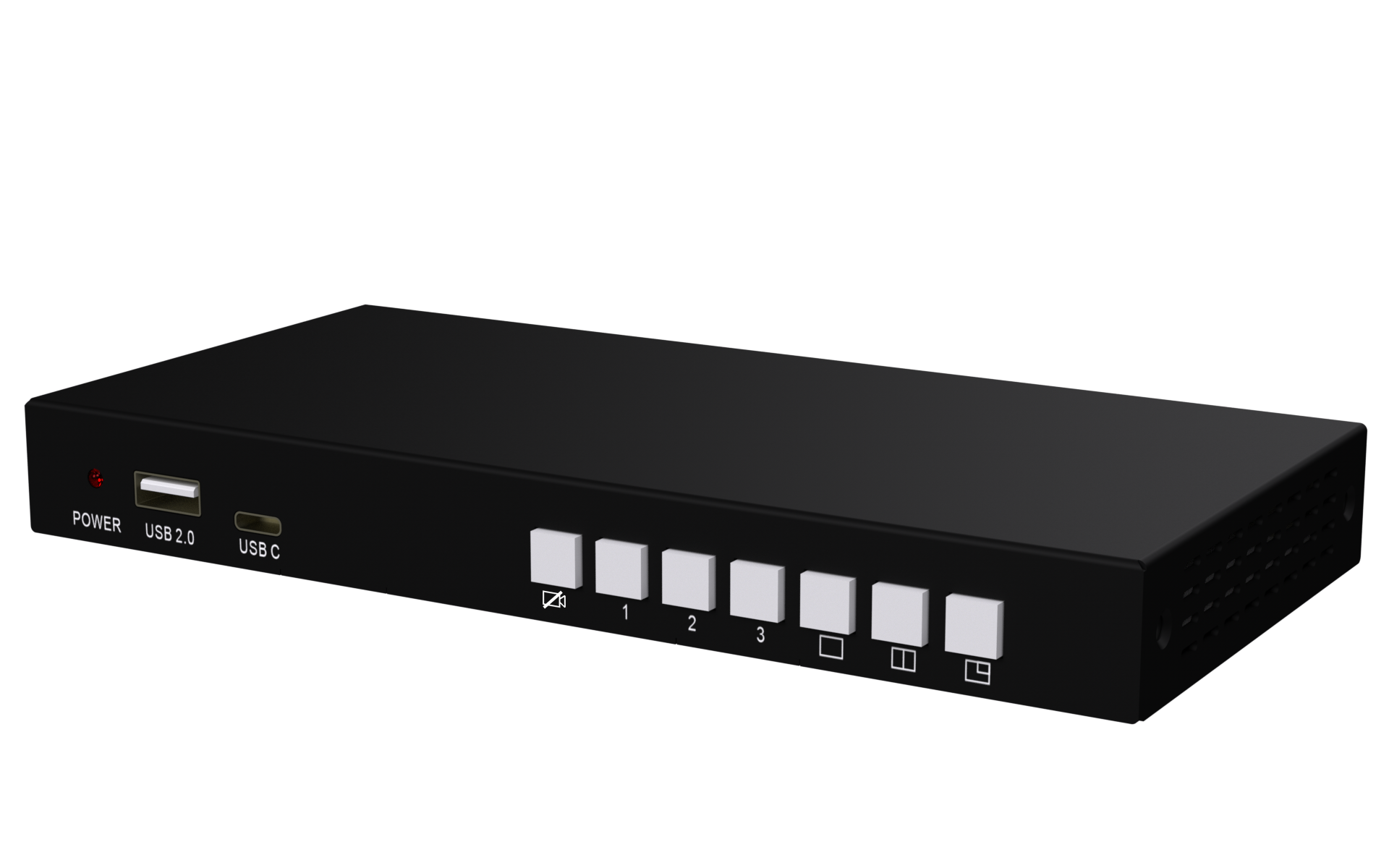
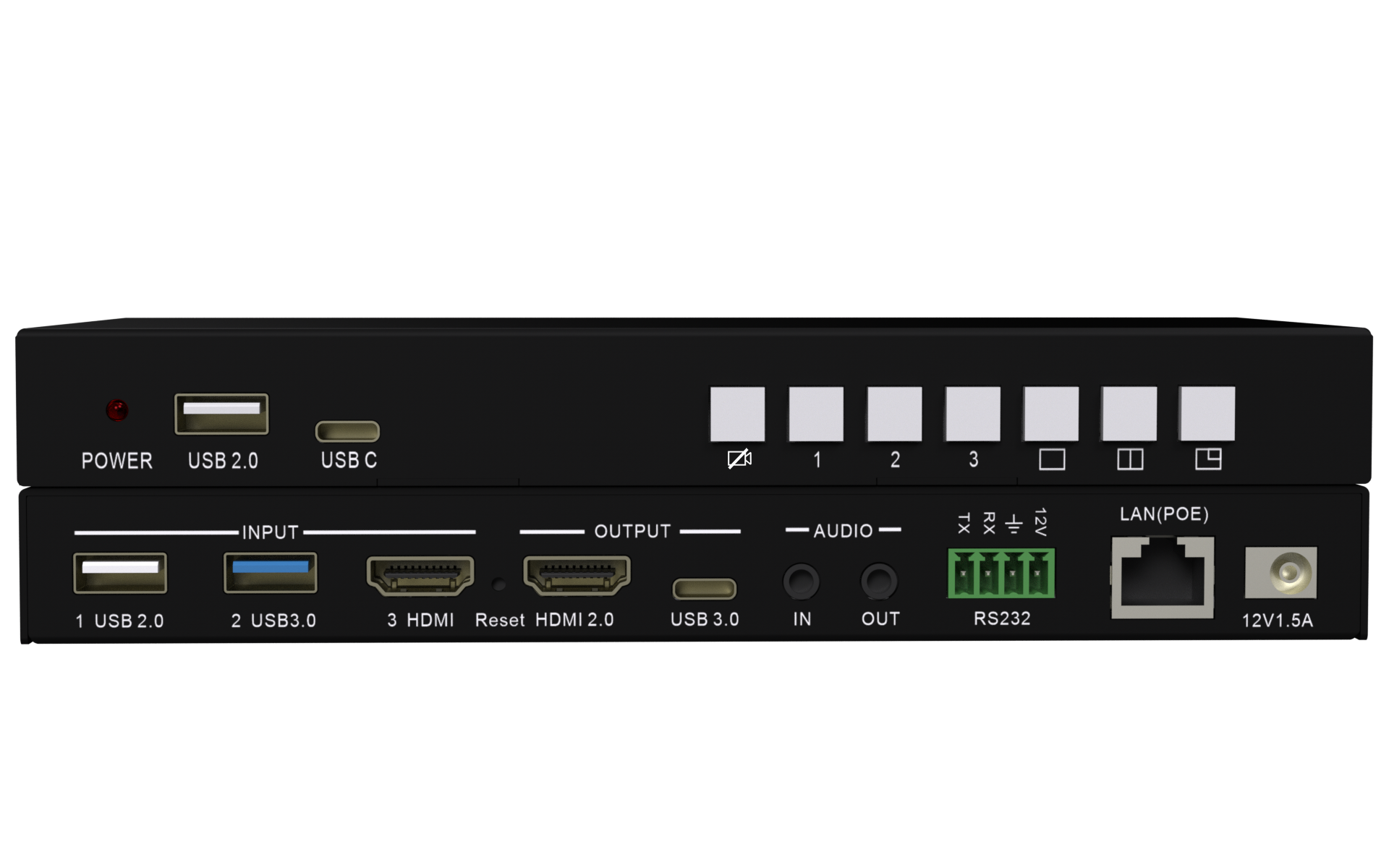
VM-10 USB and HDMI Source Switcher & Mixer
Seamless Source Switching for Video Conferencing, Live Streaming & Education
The VM-10 USB and HDMI Source Switcher & Mixer is a compact and professional switching solution designed for modern video conferencing, remote education, webinars, collaborative meetings, and live broadcasting environments.
It enables seamless switching between three different source inputs, including USB 3.0, USB 2.0 and HDMI. Users can easily connect multiple cameras or HDMI sources and mix selected inputs into one image for a more dynamic and professional video output.
With one HDMI output for a local monitor and one USB-C output for PC conferencing or live streaming, the VM-10 makes it simple to capture, switch, mix, and share video content with remote participants.
Compact, Reliable & Easy to Install
With its compact and slim housing design, the VM-10 can be installed easily in meeting rooms, classrooms, AV racks, streaming desks, and training spaces.
PoE support helps reduce cable clutter by allowing power and network connectivity through a single LAN connection.
It supports:
- 1 × USB 2.0 camera
- 1 × USB 3.0 camera
- 1 × HDMI camera or video source
This makes it useful for scenarios where users want to switch between different camera angles, capture HDMI content, or combine multiple sources for a more engaging presentation.
Key Features
- USB and HDMI Source Switcher & Mixer
- Seamless switching between 3 input sources
- Supports USB 3.0, USB 2.0 and HDMI input
- Mix two sources into one image
- Supports single view, side-by-side and big-small layout
- HDMI 2.0 output for local monitor
- USB-C output for PC conferencing or live broadcasting
- Supports HDMI camera, laptop or document camera input
- Audio input and output support
- Video and audio mute function
- LAN and RS232 control
- PoE support
- Driver-free installation
- Compact and slim design
Flexible Video Mixing Layouts
The VM-10 supports multiple video layouts, allowing users to present content in a professional format.
Supported layouts include:
- Single View
- Side-by-Side View
- Big & Small View
- Picture-in-Picture Style Layouts
These layout options are especially useful for online teaching, product demonstrations, training sessions, hybrid meetings, and webinars.
Audio Control & Mixing
The VM-10 includes audio input and output support, making it suitable for professional conferencing and streaming environments.
Users can manage audio through the web interface and enable mute functions for video conferencing or live broadcasting when required.
Perfect for Remote Education & Live Broadcasting
The VM-10 helps presenters, educators, and professionals deliver better video experiences by combining camera and HDMI sources into a single output.
It is ideal for:
- Remote Education
- Online Training
- Webinars
- Live Streaming
- Hybrid Meetings
- Video Conferencing
- Product Demonstrations
- Multi-Camera Presentations
HDMI Output for Local Display
The VM-10 includes an HDMI 2.0 output for local monitor connection. This allows users to preview or display the selected source directly on a screen while simultaneously sending the mixed output to a PC for conferencing or live streaming.
Why Choose VM-10?
The VM-10 is a cost-effective and easy-to-use source switching and mixing solution for organizations that need professional video conferencing, multi-camera presentation, and live broadcasting capabilities.
By combining USB and HDMI source switching, flexible layouts, HDMI output, USB-C conferencing output, audio management, and remote control options, the VM-10 helps users create cleaner, smarter, and more professional collaboration environments.
Downloads & Resources
Access datasheets, user manuals, firmware updates and installation resources for WU-10.
USB & HDMI Source Switching Solution
Ready to Upgrade Your Conferencing Setup?
Discover how the VM-10 USB and HDMI Source Switcher & Mixer can simplify multi-camera conferencing, live streaming, remote education, and professional video collaboration.
Connect with us
Fill out the form below and we will contact you as soon as possible!